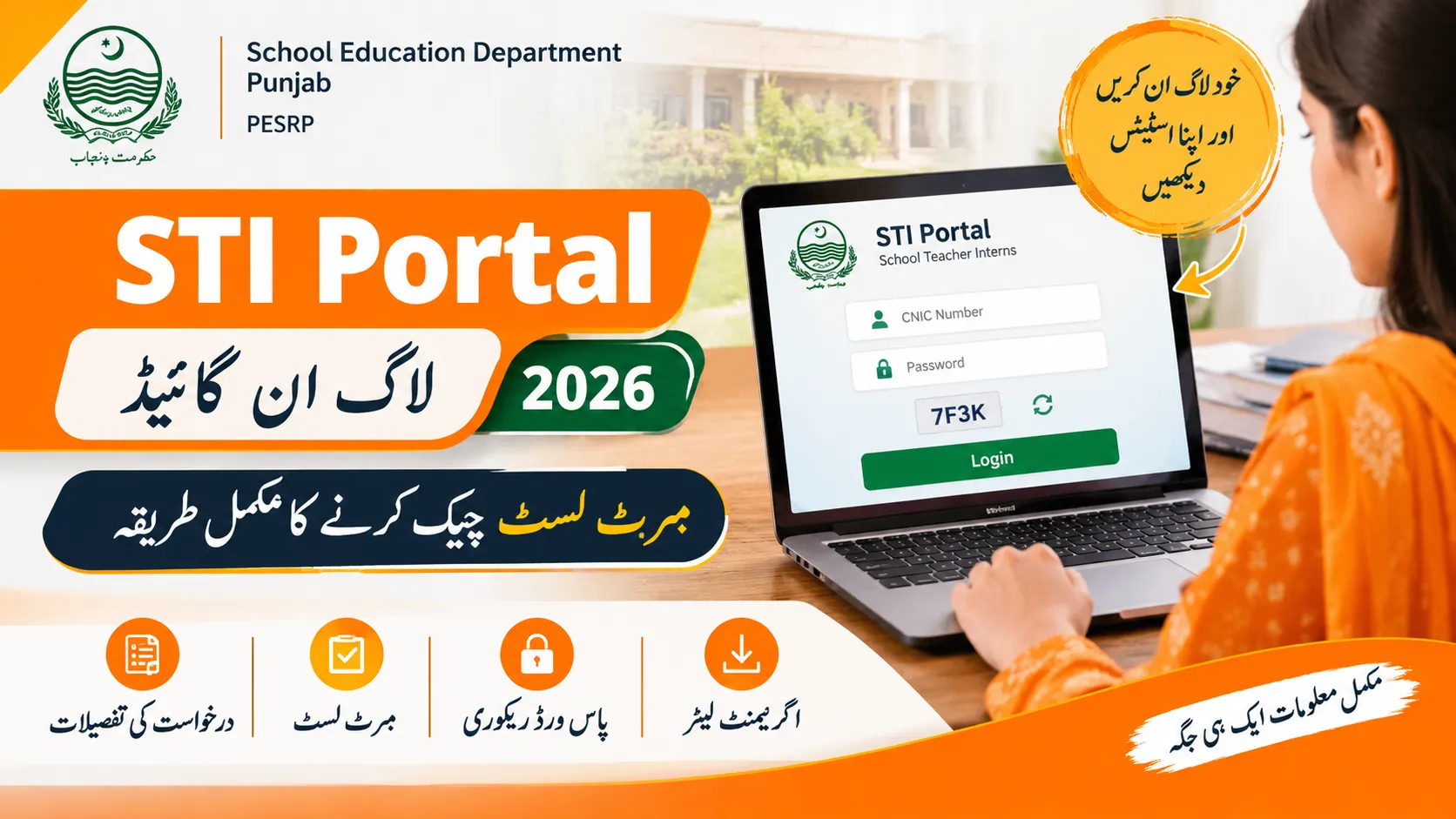
The STI Portal 2026 is the online platform used for School Teacher Interns (STIs) recruitment in Punjab. Candidates can use the portal to access their accounts, check application details, view merit list information, submit objections, and download agreement letters when issued.
The School Education Department (SED) Punjab manages the recruitment process through its designated online system. Candidates should carefully review their application details and follow the official recruitment schedule to avoid missing any important deadlines.
The provisional STI merit list is scheduled to be displayed on 23 October 2026, according to the recruitment information provided. Candidates should log in to their accounts and check their selection status before the objection submission period begins.
This guide explains how to log in to the STI portal, check the STI merit list, recover a forgotten password, resolve common login errors, and understand the important recruitment dates for 2026.
Read Also ; PTS Sindh Jail Police Result 2026 – Physical Test, Written Test and Merit List
STI Portal Login 2026 – Official Website
The official STI portal is sti.pesrp.edu.pk. Candidates should use this portal to access their recruitment accounts and review available information about their applications.
The portal is designed to make the recruitment process easier by allowing applicants to access important details online.
| Portal Information | Details |
|---|---|
| Portal name | STI Portal 2026 |
| Official website | sti.pesrp.edu.pk |
| Department | School Education Department, Punjab |
| Program | School Teacher Interns (STIs) |
| Login information | Registered CNIC and password |
| Merit list | Provisional and final lists, when published |
| Agreement letter | Available through the portal when issued |
| Posted By | resultserver.com |
Candidates should rely on official departmental announcements for changes to the recruitment schedule, merit lists, and selection requirements.
Read Also ; 1st Year Result 2026 All Punjab Boards – Check 11th Class Result
How to Log In to the STI Portal 2026
Candidates who have already registered can access their accounts using their existing login credentials. Before starting, keep your registered CNIC number and password ready.
Follow these steps to log in:
- Open a web browser on your mobile phone or computer.
- Visit sti.pesrp.edu.pk by entering the portal address in the browser.
- Find the Login option on the website.
- Enter the CNIC number used during registration.
- Type your registered password carefully.
- Complete any verification or captcha shown on the screen.
- Select Sign In to access your account.
After a successful login, check the dashboard for your application details, recruitment status, merit list information, and any available notifications.
If the portal does not open immediately, avoid submitting repeated login attempts. The website may experience heavy traffic when a new merit list or recruitment update is released.
Read Also ; FBISE HSSC Second Annual Exam Date Sheet 2026 – Part 1 & 2
How to Check the STI Merit List 2026
The STI merit list helps applicants determine their position in the recruitment process. Candidates should check the list carefully to confirm their details and identify whether they need to submit an objection.
According to the supplied recruitment schedule, the provisional merit list is due on 23 October 2026.
Steps to Check Your STI Merit List
- Visit the official STI portal.
- Log in using your registered CNIC and password.
- Open the Merit List section if it is available on your dashboard.
- Select the relevant district, tehsil, and school, where these filters are provided.
- Review the displayed merit information.
- Check your name, merit marks, and position, if shown.
- Save or print the relevant information for your records.
Candidates should ensure that they select the same school and recruitment category for which they applied. Checking the wrong school or location may lead to confusion about the result.
If the merit list is not visible in your account, check the relevant school’s notice board and look for official departmental announcements. The list may not appear immediately for every applicant.
What Should You Do If Your Name Is Missing?
If your name does not appear on the provisional STI merit list, do not assume that your application has been rejected without checking the details.
Consider the following steps:
- Confirm that you selected the correct district, tehsil, and school.
- Review your application information and eligibility details.
- Check the merit criteria applicable to your post.
- Compare your details with the relevant school merit list, where available.
- Contact the appropriate education office if you believe there is an error.
- Submit an objection within the officially announced deadline if you have valid grounds.
A provisional merit list may be subject to review. Candidates should follow the official objection procedure rather than relying on unofficial social media posts.
STI Merit List 2026 Objection Process
Applicants who identify an error in their provisional merit details should review the official objection procedure promptly.
The supplied schedule lists 26 and 27 October 2026 for objection submission. Candidates should confirm the dates and submission method through the official portal or relevant education office before taking action.
Before submitting an objection, prepare the information needed to explain the issue clearly.
- Your registered CNIC number
- Application or registration details
- Name of the school and relevant post
- The merit-list detail you believe is incorrect
- Supporting documents, where required
Explain the error accurately and follow the department’s instructions. Keep any acknowledgement or reference number provided after submitting your objection.
Submitting an objection does not automatically guarantee a change in merit position. The department must review the matter according to the applicable recruitment rules.
STI Portal Forgot Password – How to Recover Your Account
Candidates who forget their STI portal password should try to recover their existing account instead of registering again.
Follow these steps:
- Open the STI portal login page.
- Look for the Forgot Password option.
- Enter the requested registration details.
- Follow the available verification instructions.
- If an OTP or password-reset link is provided, use it to verify your account.
- Create a new password according to the displayed requirements.
- Return to the login page and try signing in again.
The exact recovery procedure depends on the options available on the portal. If the website does not provide a password-reset option or you cannot access your registered mobile number, contact the relevant District Education Authority (DEA) office for guidance.
Never share your password, verification code, or other sensitive account information with an unknown person.
Common STI Portal Login Problems and Their Solutions
Candidates may experience login difficulties when many applicants access the website at the same time. Some problems can also result from incorrect credentials, browser settings, or verification delays.
The following table explains common issues and practical steps to try.
| Login Problem | Possible Solution |
|---|---|
| STI portal is not opening | Wait a few minutes and try again. Check your internet connection. |
| Website is loading slowly | Retry during a less busy period instead of refreshing continuously. |
| Invalid CNIC or password | Check your CNIC digits and password, then try again carefully. |
| Password forgotten | Use the available password-recovery option. |
| OTP not received | Check mobile network coverage and confirm that you are using the registered number. Retry after a short wait if permitted. |
| Merit list not appearing | Check the correct school and recruitment category, and confirm that the relevant list has been published. |
| Dashboard displays an error | Refresh the page, clear the browser cache, or try another updated browser. |
| Account recovery unsuccessful | Contact the relevant education office for official assistance. |
If the website remains unavailable, wait before trying again. Repeated attempts within a short period may not solve a server-side problem.
STI Recruitment 2026 Important Dates
Candidates should keep track of the recruitment schedule so they can complete each stage on time. The dates below are based on the information supplied for this guide and should be checked against official departmental notifications.
| Recruitment Stage | Scheduled Date |
|---|---|
| Provisional STI merit list | 23 October 2026 |
| Objection submission period | 26–27 October 2026 |
| Interviews | 29–30 October 2026 |
| Final STI merit list | 31 October 2026, 10:00 AM |
| Agreement letters | 2 November 2026 |
| Internship period | 3 November 2026 to 31 May 2027 |
Important: These are the dates provided in the supplied recruitment information, not independently verified announcements. Candidates should confirm the current schedule through the official STI portal or the relevant education authorities, particularly if a date or deadline changes.
Applicants should not wait until the last day to review their merit details or submit an objection. Checking the portal early gives them more time to address possible errors.
How to Download the STI Agreement Letter 2026
Candidates selected in the final recruitment process should check their STI accounts for agreement-letter instructions.
According to the supplied schedule, agreement letters are expected to be issued through the portal on 2 November 2026.
Once the department makes the relevant facility available, follow these steps:
- Visit the STI portal.
- Sign in using your registered credentials.
- Open the relevant selection, appointment, or agreement section, if available.
- Check whether your agreement letter has been issued.
- Download the document if the portal provides that option.
- Read the terms and instructions carefully.
- Save a copy for your records and follow any instructions regarding signing or submission.
The agreement letter should only be treated as available when it has actually been issued through the official process. If you are selected but cannot find the document, check the portal again or contact the relevant education office.
Safety Tips for STI Portal Users
Candidates should protect their personal information throughout the recruitment process. CNIC details and account credentials can be misused if shared with unknown people.
Follow these precautions:
- Enter the official portal address yourself rather than trusting unfamiliar links.
- Never share your password or OTP with another person.
- Avoid saving passwords on public or shared computers.
- Log out after using the portal on a shared device.
- Do not pay an unofficial agent to access your merit list or recover your account.
- Verify recruitment announcements before sharing them with others.
- Keep copies of your application details and any official acknowledgement receipts.
Use only the payment or submission procedures explicitly announced by the department. Do not assume that a demand for money from an unofficial person is legitimate.
Frequently Asked Questions About STI Portal Login 2026
What is the official website for STI Portal Login 2026?
The portal address provided for School Teacher Interns recruitment in Punjab is sti.pesrp.edu.pk. Candidates should check that they are using the correct official website before entering personal information.
How can I check the STI merit list 2026?
Log in to the STI portal using your registered CNIC and password. Open the Merit List section, select the relevant school or location if required, and review the available details. You can also check the relevant school notice board where the list is displayed.
When will the STI provisional merit list be released?
The supplied schedule gives 23 October 2026 as the provisional merit list date. Candidates should confirm the publication status through official recruitment channels.
What are the STI merit list objection dates?
The supplied schedule lists 26 and 27 October 2026 for submitting objections. Check the official instructions to confirm the procedure and deadline.
What should I do if I forget my STI portal password?
Use the Forgot Password option if it is available on the login page. Follow the verification steps and reset your password. If account recovery is unsuccessful, seek assistance from the relevant education office.
Why can I not see my name on the STI merit list?
Check that you have selected the correct school, district, and recruitment category. Also confirm that the relevant list has been published. If you believe your details have been assessed incorrectly, follow the official objection procedure within the deadline.
When will STI agreement letters be issued?
The supplied recruitment schedule gives 2 November 2026 as the expected agreement-letter date. Candidates should confirm availability through the official portal before attempting to download the document.
Is there a fee for checking the STI merit list?
Checking your merit information through the official portal should not require payment to an unofficial agent. Follow only the department’s published instructions for any legitimate recruitment-related charges, if applicable.
Final Words
The STI Portal 2026 is an important platform for candidates participating in School Teacher Interns recruitment in Punjab. Applicants should use their registered credentials to check application details, review the provisional merit list, follow the objection process, and access agreement letters when issued.
Keep the recruitment dates in mind, protect your login information, and verify important announcements through official channels. If you find an error in your merit details, act within the announced objection period and provide the required supporting information.
Regularly checking the portal can help candidates stay informed about their recruitment status and avoid missing important updates during the STI selection process.
1 thought on “STI Portal Login 2026 – Check STI Merit List at sti.pesrp.edu.pk”